What reverse image search can and can't find
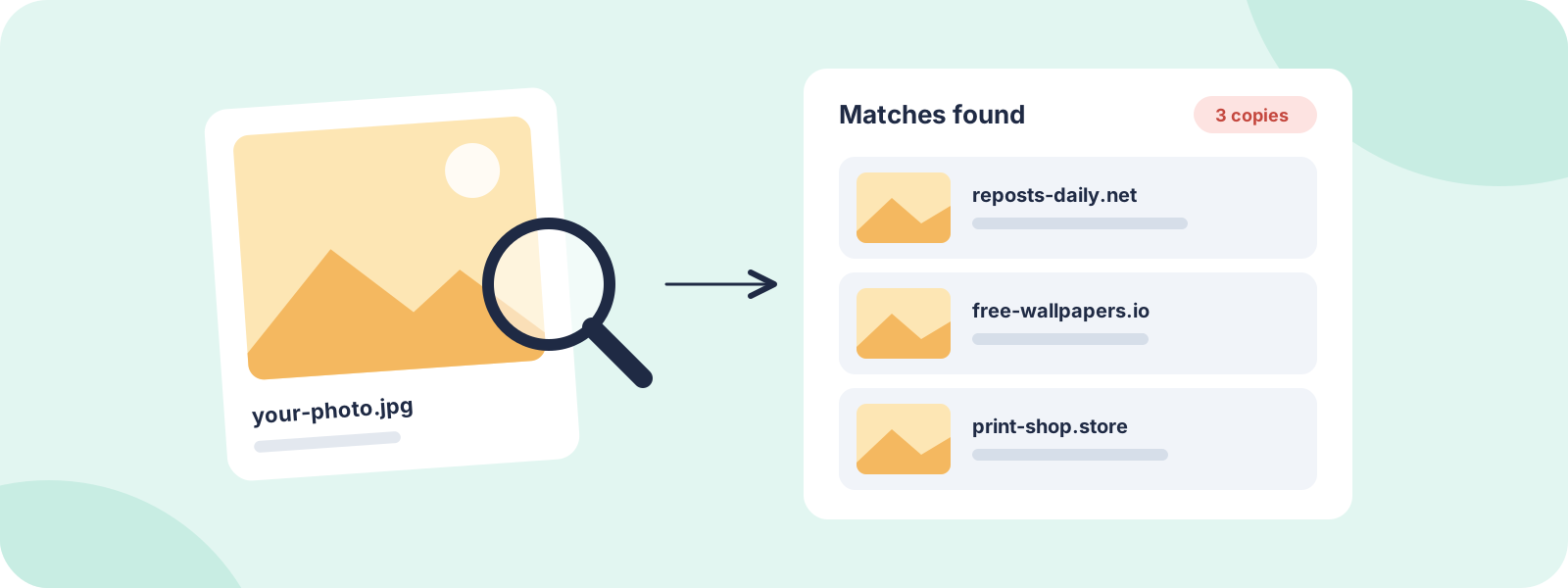
A reverse image search compares your photo against the images a search engine has already found on the web. It shows you exact copies, resized or edited versions, and pages where the image appears.
It has limits:
- It only finds what's been indexed. Brand-new uploads, private groups, most posts behind a login and many adult sites won't show up.
- Heavy edits can hide a match. Strong filters, flipped images, big crops or text over the photo can stop a tool from recognizing it.
- Each tool has its own index. That's why you should use more than one.
So a search that finds nothing doesn't prove your photo isn't out there. It means it hasn't turned up in that tool yet.
Before you search: get your image ready
- Use the original file if you have it, at full size. Bigger, cleaner images match better.
- Make a couple of cropped versions, for example just the main subject or a distinctive background. Copies are often cropped, and a crop can catch them.
- If it's a video, take screenshots of a few clear, distinctive frames and search those.
- If it's an intimate photo, crop to a non-explicit part, like a background, tattoo or piece of clothing. You don't need to upload the explicit image to find copies. If the image shows anyone under 18, don't upload it anywhere. See our guidance on images of minors.
Check social platforms directly
Most social posts aren't fully visible to search engines, so a reverse search will miss a lot of them. Fill the gap by searching on the platforms themselves:
- Search your name, usernames and business name on each platform.
- Search hashtags or keywords you'd expect someone to use with your photo.
- Ask friends, followers or customers to tell you if they spot your images somewhere unexpected.
Make sense of your results
- Exact matches are your photo, possibly resized. These are the clearest cases.
- Edited versions (cropped, filtered, flipped or with a watermark removed) still count if they come from your photo.
- Similar images are photos that only look alike. Ignore these unless they really are yours.
- Licensed or allowed uses might be in there too, like a client you sold the photo to or a site you gave permission to. Check before you report.
Keep a record
For each copy, note the exact page URL, the date you found it and a screenshot with the URL visible. That record is what every takedown request starts from. Copies keep appearing, so the list is never really finished.
Fake profiles using your photos
Reverse image search is one of the best ways to catch fake accounts using your face, for example on dating apps or in scams. If you find one:
- Screenshot the profile, including the username and URL.
- Report it using the platform's impersonation report, not a general report. Impersonation reports usually go to a specialist team.
- Warn friends or followers if the account is contacting people you know.
If the platform doesn't act, see our personal takedown service.
What to do when you find a copy
Finding copies is the easy part. Where people get stuck is working out who actually runs or hosts each site, getting every detail of the request right, and following up when a site ignores it. If you found lots of copies, each site is its own takedown, so the work adds up fast.
How DMCA.com can help
Prefer to hand it off? Here's how our team can take this on for you.
- Find copies for you: monitoring scans for copies of your content, and our research service can track down where your content has spread.
- Remove what you find: standard takedowns are $199 per site, with a money-back guarantee on qualifying cases. Sites that ignore notices are covered by Premium ($399 per site), and Google search removal is part of Platinum ($599 per site).
- Do it yourself: Protection Pro ($10 a month) includes the DIY Takedown Toolkit: notice templates and host lookup tools.
Common questions
Is reverse image search free?
Yes. Google's and Bing's image searches are free, and TinEye has a free version for everyday searches. For ongoing checks, monitoring tools like the one in Protection Pro look for copies for you.
Why can't it find my photo on Instagram or Facebook?
Most social posts aren't fully visible to search engines, especially private accounts and stories. Search the platform directly by name, username or hashtag instead.
Can I search with a screenshot?
Yes. Crop the screenshot to just the image first, so the tool isn't trying to match the rest of the screen.
Will the person who posted it know I searched?
No. Running a reverse image search doesn't notify anyone.
Is it safe to upload a private photo to search for it?
Search tools may keep uploaded images, so crop private photos to a non-explicit part before searching. A background, tattoo or item of clothing is often enough to find copies.
Can reverse image search tell me who stole my photo?
It shows where your photo appears, not who posted it. Working out who runs or hosts that site is often the harder part, and it's something our team handles in every takedown.
JL
About the author
Julie Lyle is the Takedown Manager at DMCA.com, where she oversees professionally managed takedown cases, from copyright removals to Google search removals. More about Julie