What website protection can and can't do
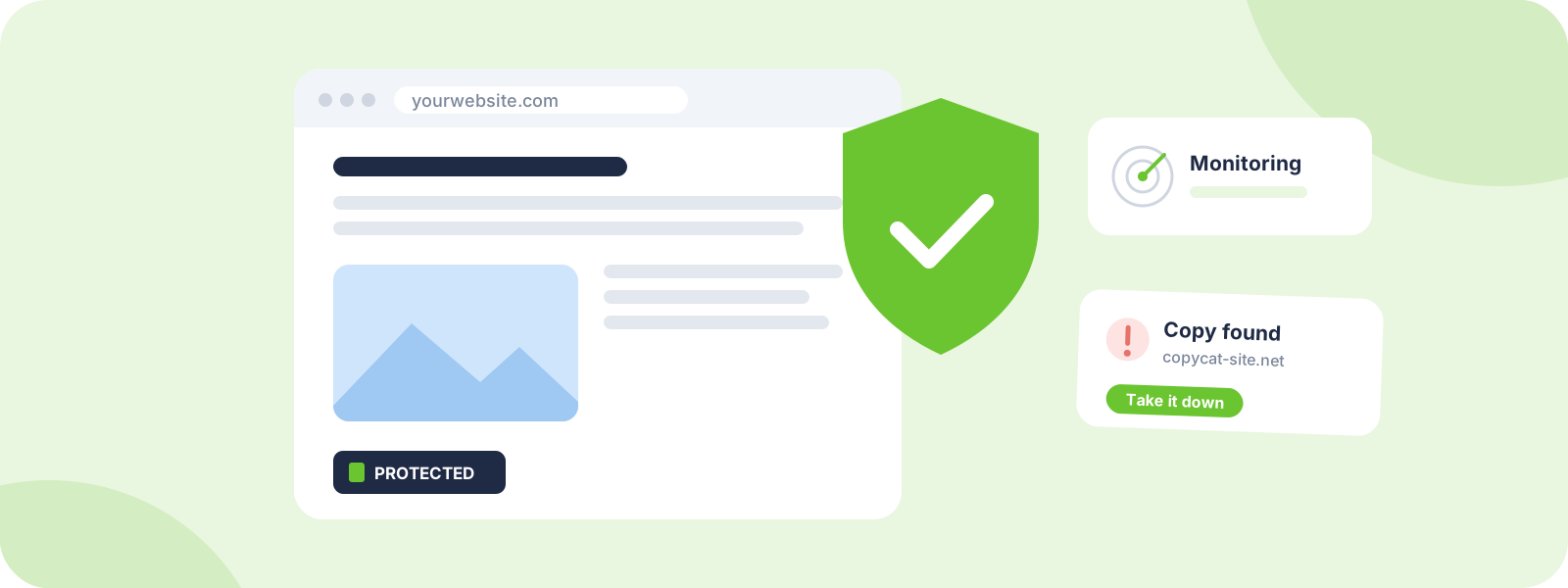
If a page loads in someone's browser, they can screenshot it, save it or copy the text. No plugin changes that. So good protection does three things instead:
- Makes copying less tempting, because your site clearly belongs to someone who's paying attention.
- Makes ownership easy to prove, so takedowns are quick when copying happens.
- Helps you spot copies early, before they spread or start competing with you in search.
Step 1: Make ownership obvious
You own the copyright to your original content as soon as you create it. You don't need any of the following to be protected, but each one makes your ownership clearer and copying less casual.
- A copyright notice in your footer, like "© 2026 Your Name or Business. All rights reserved."
- Author bylines on articles and posts.
- Copyright info in your image files. Most photo editing apps let you add your name and a copyright line to a photo's details (metadata) before you upload it.
- Terms of use that say how people can and can't use your content, and how to ask for permission.
Step 2: Show you're protected
A visible protection badge tells visitors, and would-be copiers, that your content is registered and that you act on theft. Most copying is casual, and a clear signal that someone's watching is often enough to make people think twice.
A DMCA.com protection badge links to a certificate page for your site, so anyone who clicks it can see your content is protected.
Step 3: Protect your images
Photos and graphics are the most copied content online, because they're the easiest to grab.
- Watermark your best images. A small, semi-transparent mark in a spot that's hard to crop out works without ruining the photo.
- Upload sensible sizes. Post images big enough to look good on screen, and keep full-resolution files for paying clients or prints.
- Turn on hotlink protection. Hotlinking is when another site displays your image by loading it straight from your server, using your bandwidth. Most hosts and security services let you block it with a setting.
Step 4: Slow down scrapers
Scrapers are automated tools that copy websites, sometimes entire sites at once. You can't block every one, but you can make your site a harder target.
- Use bot protection or rate limiting from your host or security provider, so tools that request hundreds of pages a minute get slowed or blocked.
- Publish summaries in your RSS feed instead of full posts. Automated copiers often grab feeds.
Step 5: Decide what to do about AI crawlers
Some AI companies use crawlers to collect web content. Many of them say they follow the rules in your site's robots.txt file, so you can ask them not to use your content.
- OpenAI's crawler identifies itself as GPTBot.
- Google uses a separate control called Google-Extended for some of its AI uses. Blocking it is separate from Google Search, so it doesn't remove your site from search results.
Keep in mind robots.txt is a request, not a lock. Well-behaved crawlers follow it, and others may not. Weigh what you want too: some site owners want to appear in AI answers, and some don't.
Step 6: Keep dated proof
When you need to take something down, the first question is "Can you show it's yours?" Make that easy for your future self:
- Keep original, full-size files, drafts and project files.
- Back up your site regularly, with dates.
- Note when important pages and images went live.
The Internet Archive's Wayback Machine lets you save a dated snapshot of any public page, which is handy proof that your page existed first.
Should you register your copyright?
You don't need to register to own your work or to send takedown notices. In the US, registration matters if you ever want to sue: you have to register a US work before you can file an infringement lawsuit, and registered works may qualify for statutory damages and attorney's fees.
For most creators, registering your most valuable work, like a signature photo series, a book or a course, is worth considering. A lawyer can advise on your situation. DMCA.com is not a law firm.
If your site hosts other people's content
If people can upload or post on your site, like comments, forums, reviews or a marketplace, you can be on the receiving end of takedown notices too. US sites in this position can register a designated agent with the US Copyright Office, publish a copyright policy and handle notices promptly to get the DMCA's legal protection.
What doesn't work
- Waiting to see if it goes away. The longer a copy stays up, the more it gets indexed, cached and reshared, which makes full removal harder.
- Hiding text behind scripts or images. Copiers can still grab it, and search engines and screen readers may not be able to read it, which can hurt your rankings.
- Rewriting content after it's copied. You're the original. Keep it and remove the copy instead.
How DMCA.com can help
Prefer to hand it off? Here's how our team can take this on for you.
- Free: standard protection badges, a protection certificate for your site and 1 free professional takedown a year.
- Protection Pro ($10 a month): premium badges, a verified certificate, 10 free professional takedowns a year, monitoring, and the DIY Takedown Toolkit: notice templates and host lookup tools.
- Already been copied? Our team handles the takedown for you, from $199 per site, with a money-back guarantee on qualifying standard cases.
Common questions
Do I need a copyright notice to protect my website?
No. Your original content is protected as soon as you create it. A notice just makes your ownership clear and copying less casual.
Does a protection badge stop people copying my site?
Nothing can physically stop copying. A badge discourages casual copying by showing your content is protected, and makes it quicker to act when someone copies anyway.
Will blocking AI crawlers hurt my Google rankings?
Blocking Google-Extended is separate from Google Search, so it doesn't remove your site from search results. Be careful not to block Google's regular search crawler by mistake.
Do I need to register my copyright?
Not to own your work or send takedown notices. In the US, you need to register a US work before you can sue over it, so it's worth considering for your most valuable work.
How can I watermark photos without ruining them?
Use a small, semi-transparent mark placed where it's hard to crop out, like across part of the subject rather than in an empty corner.
JL
About the author
Julie Lyle is the Takedown Manager at DMCA.com, where she oversees professionally managed takedown cases, from copyright removals to Google search removals. More about Julie